目前本地開發使用 VM 的應用程式(VMWare 或 Parallels),也會需要將 local 的 domain 指向正確的 Private IP。原本都是用 iHost 這套 GUI APP ,這 APP 實作修改 /etc/hosts 的方式達到顯示 local domain 的功能,但有兩個問題:
- /etc/hosts 的權限是 root 導致每次開啟的時候都需要操作更換權限。
- 沒有支援 wildcard 的功能
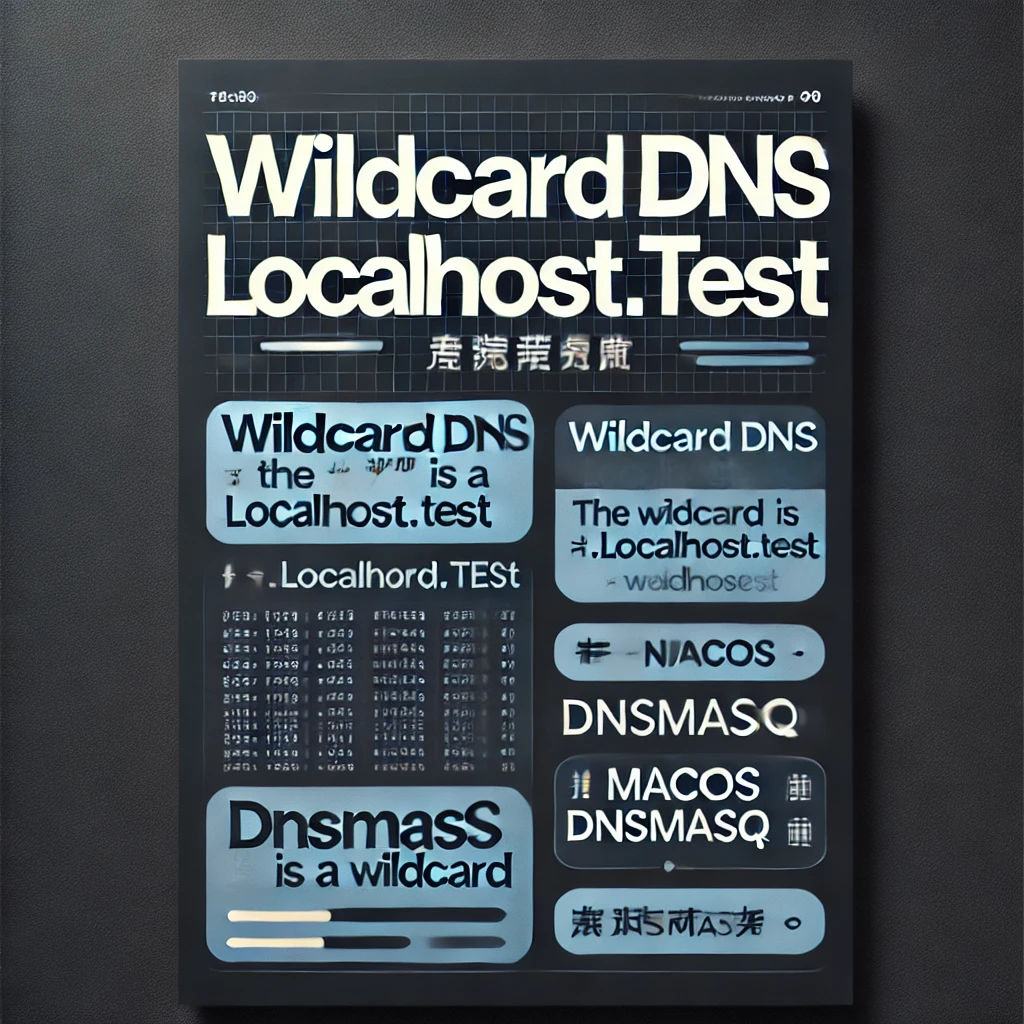
於是我想換一個方法處理。可惜的是目前還沒找到 GUI 的 APP,這邊實作在 macOS 上使用 Homebrew 安裝 dnsmasq ,配置讓所有 *.localhost.test 指向 10.211.55.12 :
1. 安裝 dnsmasq
如果尚未安裝 Homebrew,可以先到 Homebrew 官網 參考安裝方法。安裝好 Homebrew 後,打開終端機執行:
brew install dnsmasq2. 配置 dnsmasq
編輯 dnsmasq 的配置文件 /usr/local/etc/dnsmasq.conf,加入對 *.localhost.test 的解析規則(注意這路徑未必正確):
nano /usr/local/etc/dnsmasq.conf在文件中新增以下這一行:
address=/.localhost.test/10.211.55.12這條規則表示所有以 localhost.test 為後綴的域名(例如 abc.localhost.test)都會被解析到 10.211.55.12。
3. 啟動 dnsmasq 服務
配置完成後,啟動 dnsmasq 並設置為開機自啟:
brew services start dnsmasq如果之後有修改配置,需要重啟服務:
brew services restart dnsmasq4. 配置 macOS 使用本地 dnsmasq
為了使 macOS 對 localhost.test 域名的 DNS 查詢走本地的 dnsmasq,需要在 /etc/resolver 目錄下建立解析器文件。
1. 先建立 /etc/resolver 目錄(如果尚不存在):
sudo mkdir -p /etc/resolver2. 創建一個名為 localhost.test 的文件:
sudo nano /etc/resolver/localhost.test在文件中加入:
nameserver 127.0.0.1這樣,所有針對 *.localhost.test 的 DNS 請求都會由本地的 dnsmasq(監聽 127.0.0.1)來處理。
5. 測試配置
可以使用 dig 或 nslookup 測試解析是否正確。例如,執行:
dig subdomain.localhost.test查詢結果應該會顯示 IP 為 10.211.55.12。
以上步驟是用 AI 寫的,需要特別注意:
/usr/local/etc/dnsmasq.conf 這個路徑未必是正確的,安裝完成後提示:
To start dnsmasq now and restart at startup:
  sudo brew services start dnsmasq
Or, if you don't want/need a background service you can just run:
  /opt/homebrew/opt/dnsmasq/sbin/dnsmasq --keep-in-foreground -C /opt/homebrew/etc/dnsmasq.conf -7 /opt/homebrew/etc/dnsmasq.d,\*.conf
==> Summary
🍺  /opt/homebrew/Cellar/dnsmasq/2.91: 11 files, 665.1KB
==> Running `brew cleanup dnsmasq`...
所以設定的路徑是 /opt/homebrew/etc/dnsmasq.conf
這樣之後 VM 統一設定網域 localhost.test 或子網域就能運作啦!